
I've tried a few different AI models but can't actually get it off the ground.
I am trying to follow the instructions here: https://github.com/StefanBelo/BetfairAiTrading/blob/main/docs/Automation/HowToStartWithAgenticBfexplorerApp.md
Bfexplorer has been launched from within its own folder by typing cmd in the folder and entering "Bfexplorer.exe -mcp localhost:10043"
Bfexplorer opens and I login as usual
I used cmd again to verify that it opened correctly and the MCP port is open:
C:\Program Files\BeloSoft\Bfexplorer>netstat -ano | findstr 10043
TCP 127.0.0.1:10043 0.0.0.0:0 LISTENING 20196
TCP [::1]:10043 [::]:0 LISTENING 20196
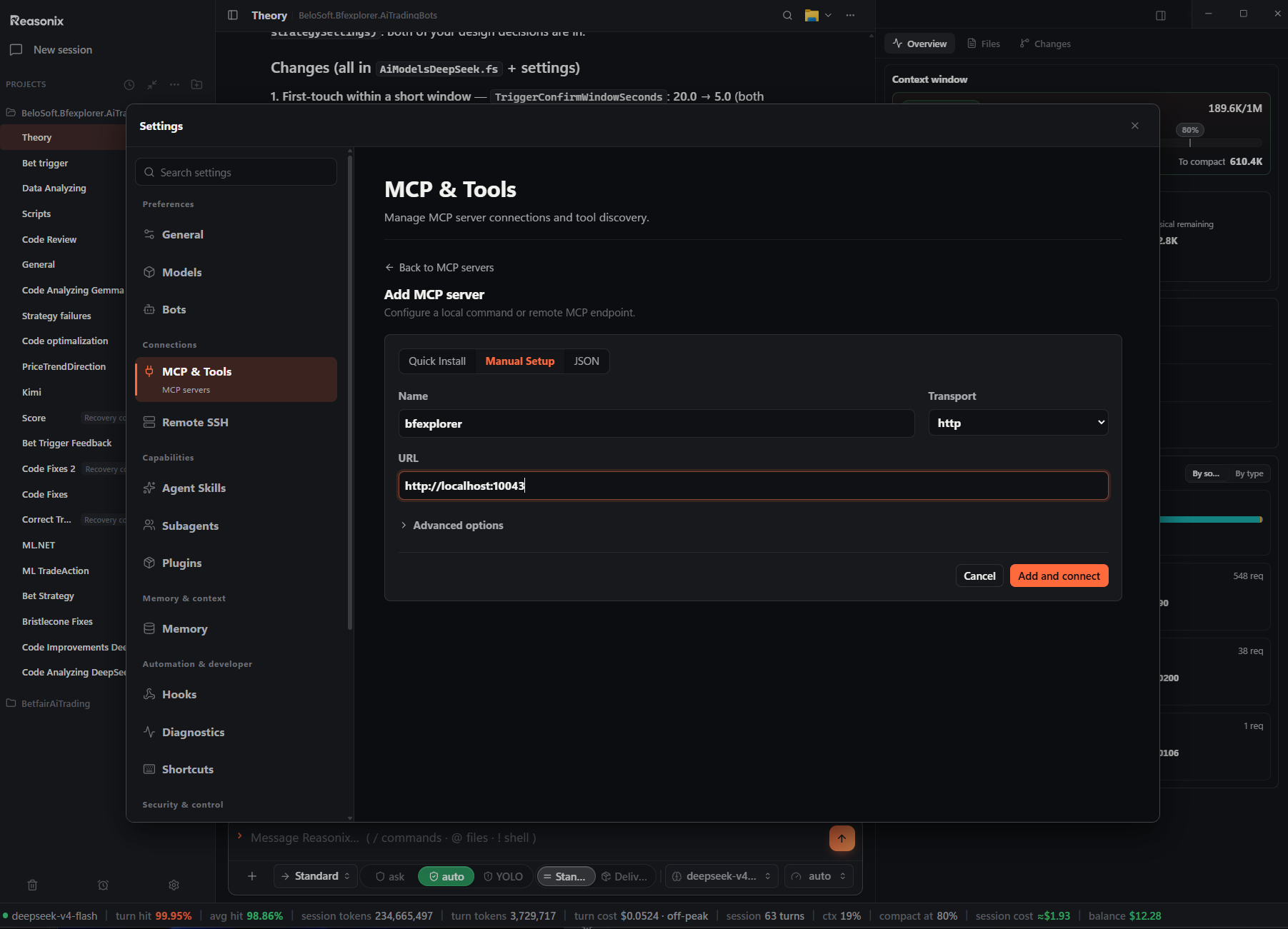
I then go to my AI agent and try to connect it. In Claude I click "Add custom connector" then in Remote MCP server URL I enter http://localhost:10043/sse
Claude then tells me it has to begin with https so I had the s in so it reads https://localhost:10043/sse
I click add and then nothing happens.
In Bionic app I go to Settings>Connected Apps and click Add custom MCP
I set the name as Bfexplorer and enter http://localhost:10043/sse in the command line
I select the Web Address option and then click Add MCP
I get the error: SSE error: Non-200 status code (404) with a "Complete authentication" button next to it. I click that and then it says "Sign-in failed - Try signing in again"
I don't know what to do beyond this. If someone has a ver basic step-by-step guide then it would be greatly appreciated.
Comments ( 3 )
Stefan
Because you used Claude Desktop, I noticed it has a poor user experience for setting up the local MCP server. Please refer to this document, which shows how to set up the MCP server on client apps.
Bfexplorer MCP Client Application Setup
Stefan
A simple test to verify that the bfexplorer MCP is running correctly involves using the 'modelcontextprotocol/inspector.' To do this, run the following command in your terminal:
npx @modelcontextprotocol/inspector
After setting up the bfexplorer connection, you will be able to test all available tools without requiring an LLM.
layteruk10
I just posted "Wiring an AI agent into a Betfair trading desktop" so if still not working let me knoe and I will see if I have anything to help.