
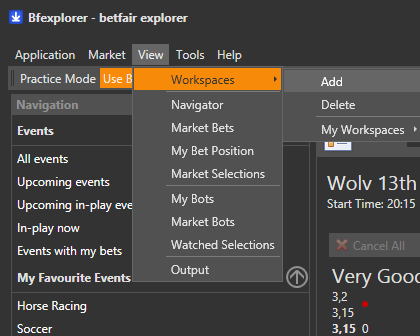
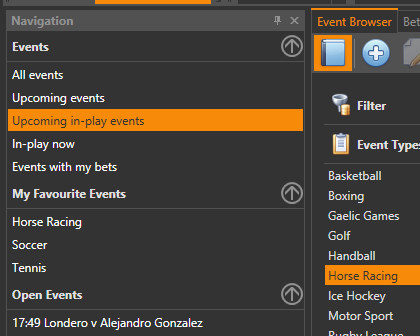
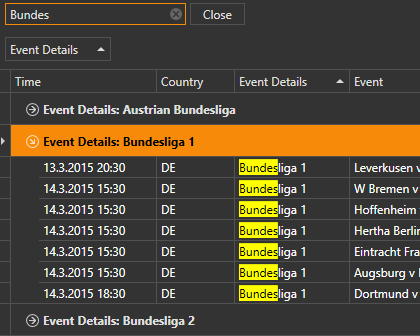
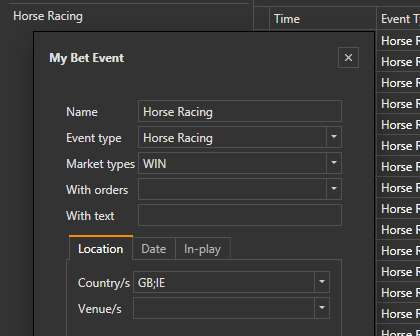
I work on a Mac and use Claude Code to drive Bfexplorer through its MCP server. Bfexplorer is Windows-only, so it runs in a Parallels VM. Getting the Mac to talk to the MCP server took some trial and error, so here's what worked.1. Start Bfexplorer with the MCP flagThe MCP/REST server only starts ...
Welcome to betfair trading software.
Community Recent Articles
Login issue
I've just completed my week free trial and signed up to the Professional Monthly subscription plan but it still won't let me login with the API key I was given at
Bfexplorer Latest Release
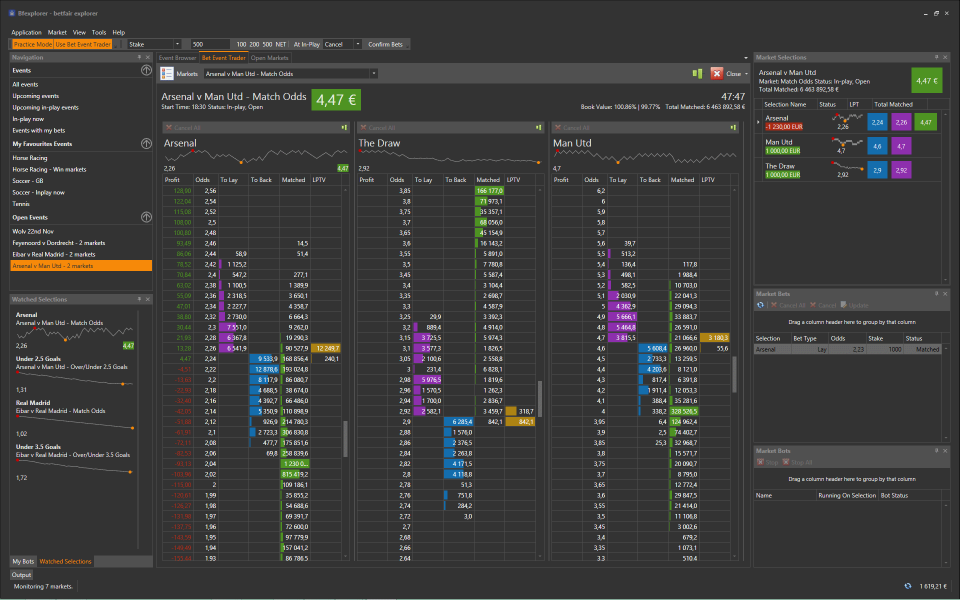
Version 5.15.0927 The cumulative updates. Install from Bfexplorer Preview version. Version 5.14.0830 The cumulative updates. Install from Bfexplorer Preview version. Version 5.13.0818 The cumulative updates. Install from Bfexplorer Preview ...
Jimbo
This is awesome. Been having lots of fun with this in a one week trial. Using Claude and learning a lot. I think I'll subscribe and see where it goes. Thanks for an awesome piece of softwar Stefan :)
Stefan
I am sorry for any inconvenience, but I am having issues with PayPal IPN. I must activate your access manually, so please try logging in again.
quin2011
API Key given at initial sign up at the free trial stage
layteruk10
Nixc0rdant, I'm happy to share anything useful. Just to be clear, I am not a programmer so I do everything with AI. At the moment everything is with claude but I will look later at local models. I also follow 'knowledge packs' approach. My initial plan was to have bfexplorer running on various staretegies and a URL to open markets and place trades. This is working well but everything is still at testing as a few minor issues so now I'm using the AI to remove those and to increase efficiency.
Stefan
Nixc0rdant, which programming language are you using for your Betfair projects?
While different languages might be used, I find that statically typed programming languages like F# and .NET languages such as C# or Visual Basic do not require loading an entire source code codebase.
For instance, with F#, we have MCP servers that can explore any type of referenced library. This approach prevents hallucination and avoids having to process millions of tokens just to browse the entire codebase.
I did not write my own prompts; I had the LLM generate them, which you can see in experiments on my GitHub.
I use DeepSeek models, which offer a 1M context window, enough for an entire session within my Betfair strategy project.
In fact, when debugging with an LLM against real-time data, the amount of that data is often larger than my entire strategy project's codebase. After testing over three days, I was genuinely surprised that given all the code DS generated into the output context, it remembered closed market data when asked to calculate P&L from our tests.
These closed markets were not within the bfexplorer application itself; rather, Reasonix/DeepSeek LLM retained this information in its memory context.
Nixc0rdant
That sounds like an fun build! I’ve been deep in Claude Co‑Work and code workspace after running into similar limitations with long‑term memory and context drift. What’s helped me a lot is creating modular Markdown 'knowledge packs' that define the agent’s role, constraints, and behaviour. Cowork handles these really well when you have it reload them each session
Keen to collaborate with you on this custom agentic system and compare notes! If you’re open to it, I’d love to take a look at your project folder and
README.mdor equivalent docs you’ve put together.P.s. I'm running a local Ollama instance on an older RTX destop with 64GB of RAM and it's still paaainfully slow once youre used to having a cloud connected datacentre running Opus/Fabel!
Hope it's a big birthday cause you'll need a LOT of compute :-)
Stefan
My experience is similar to yours. I started before you, and back then there was actually no client app support for connecting to the MCP server because MCP was only a couple of weeks old—it mainly existed in documentation and had initial library implementations for both the server and client. Because of this, I looked for an AI client supporting MCP and found Cherry Studio. I will write some posts about the parts you are interested in, but sometimes it is better to struggle and learn from your mistakes.
layteruk10
Thank you. I've been running it live today and very please with how it is working. I still need to understand much more but bfexplorer is vey flexible. I've not looked at running local LLM yet. I have Ollama downloaded but my focus was in having a bot running first. I may need a PC upgrade with LLM. I will see. Fortunately it is my birthday soon :-). I tried a nimber of ai client applications. Most I found disappointing with repetitive errors. Claude was easiest for me to work with but I had to be very specific to ensure it did not "forget" what I was trying to do. I made claude read and summarise information for it to use as quick reference. I learned to be very specific with wording on messages for what I wanted and also when starting a new task I asked clause to commit to memory any background research or help documents before starting. If I started again it would take me a lot less time to have the same results. I will advise on local LLM when I have investigated.
layteruk10
I just posted "Wiring an AI agent into a Betfair trading desktop" so if still not working let me knoe and I will see if I have anything to help.
Stefan
I am highly impressed with how you integrated bfexplorer agentic support using the Claude LLM and your strategy execution pipeline that incorporates market data context processing, as any robust strategy must be driven by verifiable data.
Have you also experimented with local LLMs or different AI client applications/harnesses?